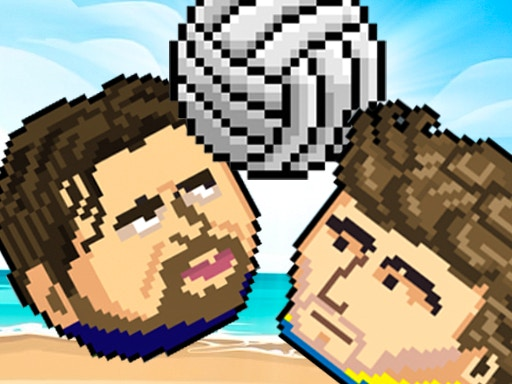
 SPORTS HEADS VOLLEYBALL
 SD Robo Combat Arena
 Robo Duel Fight 3 - Beast
 Total Tankage
 Mini Heads Party
 Trapped Ball Oxide
 Fuzzmon 2 - Mighty Earth
 Dragon Ball: Fierce Fighting 3
 Flash Bash
 Pixel Battles
 Mickey and Friends
 Car Madness 3D
 Road Carnage
 Sketchy Tanks War
 Kingdom Bow
 Dragons Fist
 Hover Havoc
 Tom and Jerry Gold Miner
 Two Tubes 3D
 One Piece Pirate Battle
 2-3-4 Player Games
 House of Hazards
 Two Ball 3D
 Bird Jungle Rescue
 Mortal Kombat
 Regular Show Fist Punch
 Comic Stars Fighting
 Territory War 3
 TwinCat Warrior
 Rumblah Flash Fighting
 Boxhead 2Play
SPORTS HEADS VOLLEYBALL
Hey there! I’m super excited to hear that you’re joining the volleyball tournament with big heads! It’s going to be an amazing adventure!
Before we get started, just a quick rundown of what to expect. When the game loads, simply click the “PLAY GAME” button in the bottom-right corner of the screen to begin. If you want to play solo, click the “NEW GAME” button and choose your player from the “CHOOSE PLAYER” section. Then, select the first match to get started!
If you’re playing with a friend, click the “2 PLAYER” button, pick your characters, set the arena, and then click “START” to begin the match. Easy peasy!
Now, let’s talk controls! If you’re playing solo, use the “ARROW KEYS” to move and the “SPACEBAR” to hit the ball. If you’re playing with a friend, Player 1 uses “W, A, S, D” to move and the “SPACEBAR” to hit, while Player 2 uses the “ARROW KEYS” to move and the “P” key to hit.
Oh, and keep an eye out for those power-ups on the court! You can grab them by hitting the ball into them. The green ones are good for you, the red ones are good for your opponent, and the yellow ones are a tie.
Ready to play some awesome two-player games? Head over to twoplayergames.org to find more fun matches like this one!


