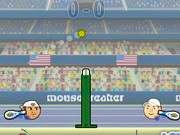
 SPORTS HEADS TENNIS OPEN
 SD Robo Combat Arena
 Robo Duel Fight 3 - Beast
 Total Tankage
 Mini Heads Party
 Trapped Ball Oxide
 Fuzzmon 2 - Mighty Earth
 Dragon Ball: Fierce Fighting 3
 Flash Bash
 Pixel Battles
 Mickey and Friends
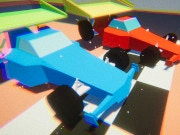 Car Madness 3D
 Road Carnage
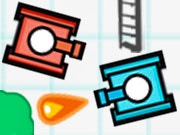 Sketchy Tanks War
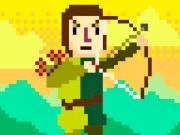 Kingdom Bow
 Dragons Fist
 Hover Havoc
 Tom and Jerry Gold Miner
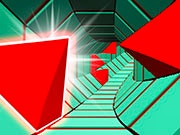 Two Tubes 3D
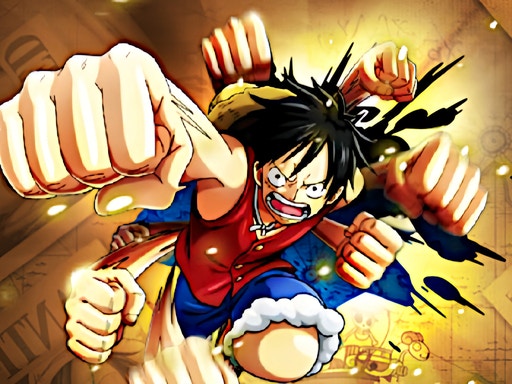 One Piece Pirate Battle
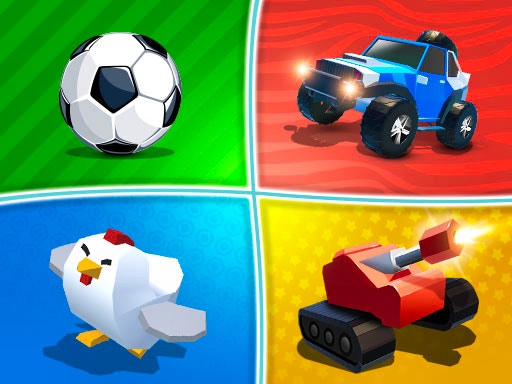 2-3-4 Player Games
 House of Hazards
 Two Ball 3D
 Bird Jungle Rescue
 Mortal Kombat
 Regular Show Fist Punch
 Comic Stars Fighting
 Territory War 3
 TwinCat Warrior
 Rumblah Flash Fighting
 Boxhead 2Play
SPORTS HEADS TENNIS OPEN
“Hey there! We’re super excited to introduce you to our brand new Sports Heads game, Sports Heads Tennis Open! This game is part of a popular series that’s loved by many sports game enthusiasts, and we think you’ll have a blast playing it too!
To get started, simply click on the “PLAY” button, and the game will load. You can play in either single-player or two-player mode. For single-player, click on the “NEW GAME” button, choose your player, select the difficulty level, and then hit “START” to enter the “TOURNAMENTS” screen. You’ll earn coins as you win matches, and you can use them to upgrade your character in the “UPGRADES” section. To start playing, just click on the “PLAY MATCH” button.
For two-player mode, click on the “2 PLAYER” button on the main menu, choose your tennis players, select the pitch and location, and then hit “START” to begin the match.
Here are the game controls:
For Player 1:
- Move: Use the “W, A, S, D” keys
- Swing: Press the “SPACE-BAR”
For Player 2:
- Move: Use the “ARROW KEYS”
- Swing: Press the “P” key
Feel free to pause the game at any time by clicking on the “PAUSE” button, or go back to the main menu by clicking on the “MENU” button in the lower-right corner of the screen. You can also adjust the game sounds using the music icons.
Most importantly, have fun playing Sports Heads Tennis Open! We hope you enjoy it!”


